
Two workspace types
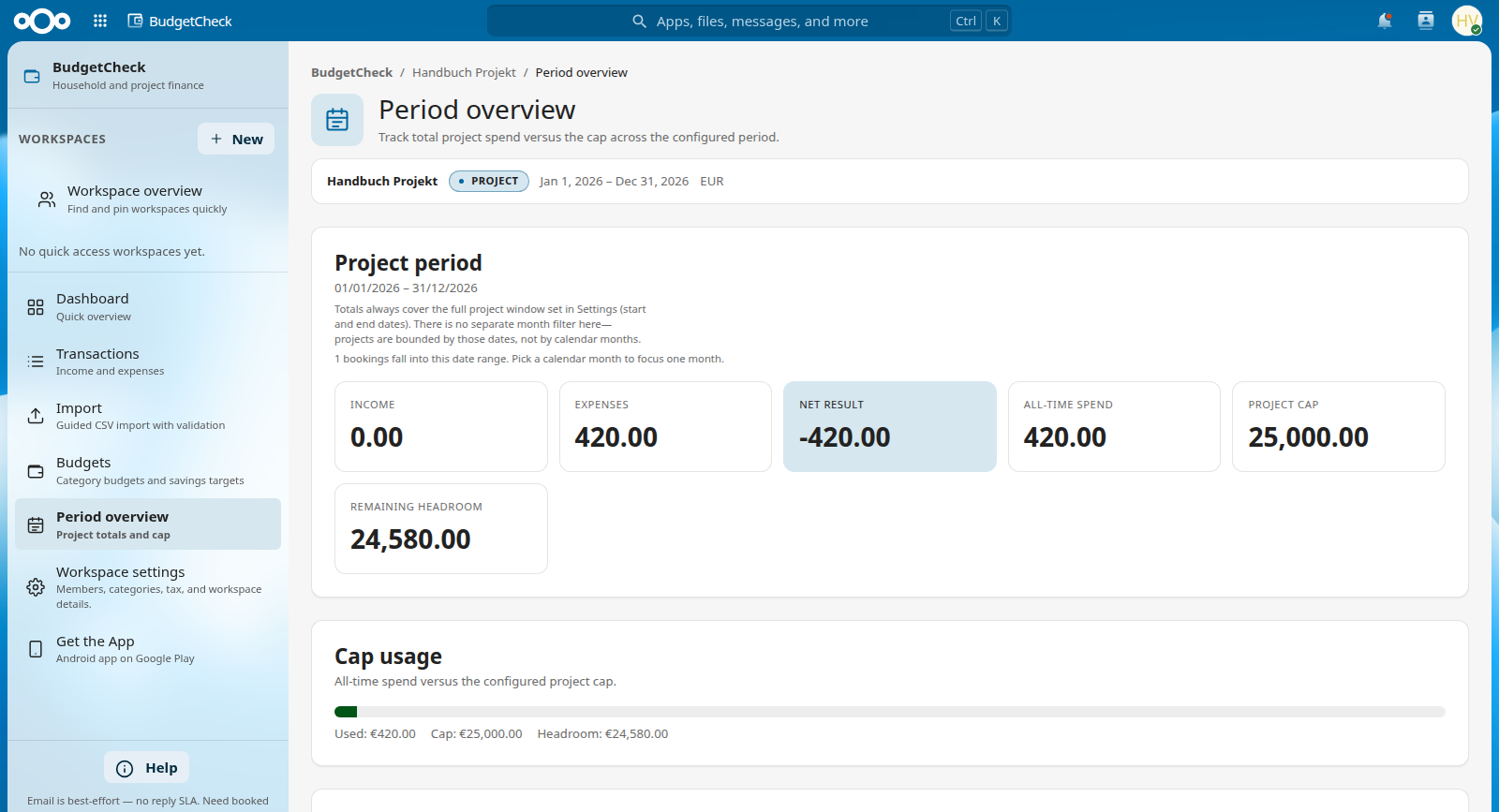
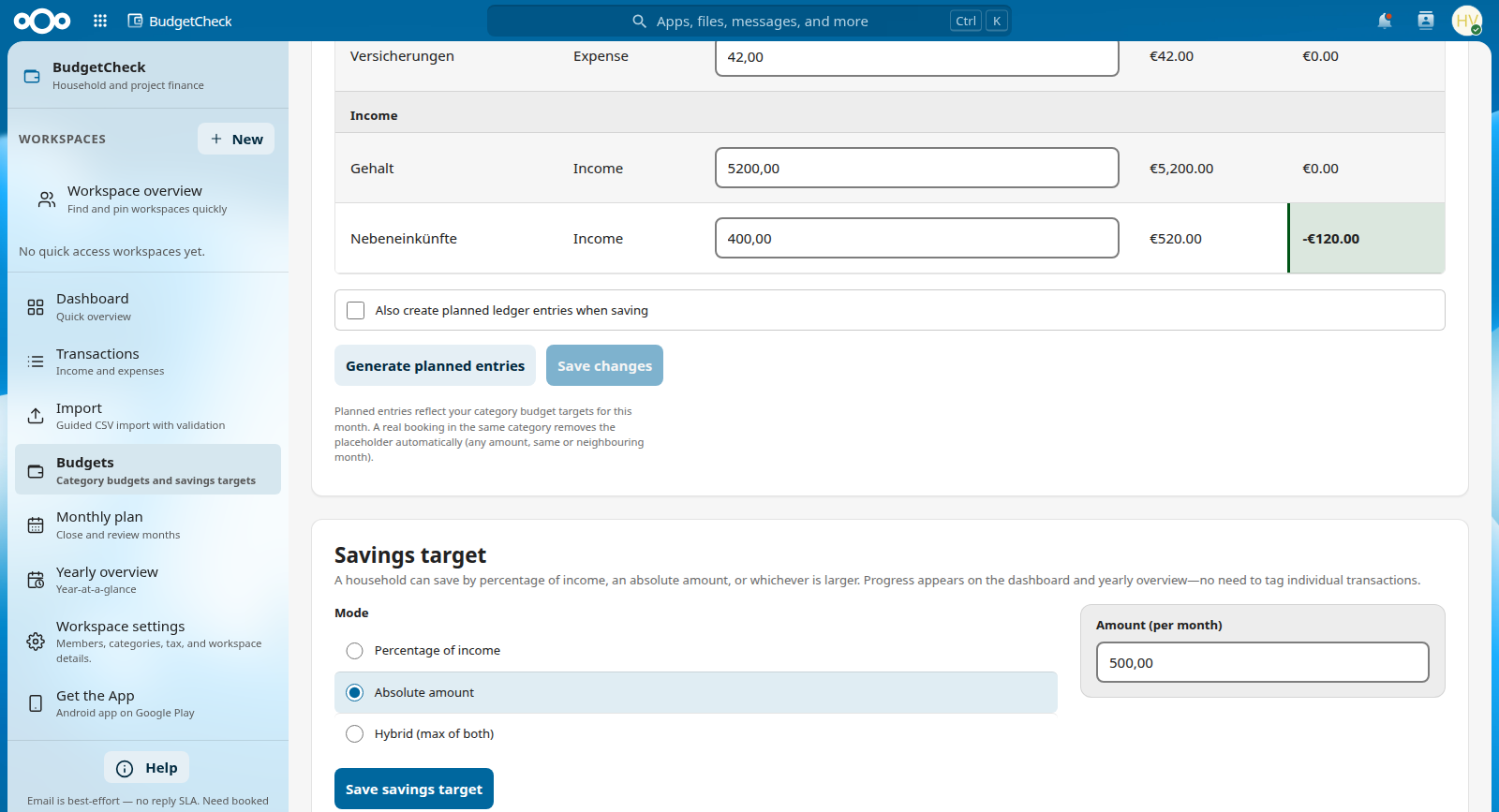
Household: monthly rhythm, budgets, savings targets, yearly overview. Project: bounded window, period overview, optional cap warnings.
Record income and expenses in separate workspaces (household or bounded project), optionally with a VAT mode, and close months with a snapshot and calculation hash. All totals are computed server-side on your server. No bank sync.
We improve this app with real-world use. Bug reports, rough edges, and ideas help – open a GitHub Issue or write to info@software-by-design.de.
Each workspace stays separate: a household ledger for monthly budgets and savings, or a project ledger for a defined period and optional spending cap. Categories, members, and tax settings stay inside that workspace. Your server calculates every total and seals each monthly close so figures stay reproducible.
Household: monthly rhythm, budgets, savings targets, yearly overview. Project: bounded window, period overview, optional cap warnings.
Money is calculated on your Nextcloud with exact currency amounts. Totals stay consistent and audit-ready.
Seal a finished month as a locked snapshot you can verify later. Reopen only when an admin deliberately allows edits again.
Enter amounts net or gross with clear VAT conversion when projects need it – or keep household books simple without tax modes.
For households: track a yearly target, see your progress, and let the monthly rhythm do the work.
Each workspace has its own members, categories, and tax settings – so household and project data stay cleanly separated.
Built for WCAG 2.1 AA, full keyboard use, and small screens. Household and project totals stay on their own screens.
Every close and reopen is logged. Sealed snapshots stay checkable, so changes after the fact are visible.
BudgetCheck is deliberately not an accounting suite or bank sync. It records income and expenses in separate workspaces – fully usable without any other Check app.
ProjectCheck – projects & time · Agency guide · All modules at a glance
Click a screenshot to enlarge. Use ← → or the on-screen arrows to browse the gallery; Esc to close.
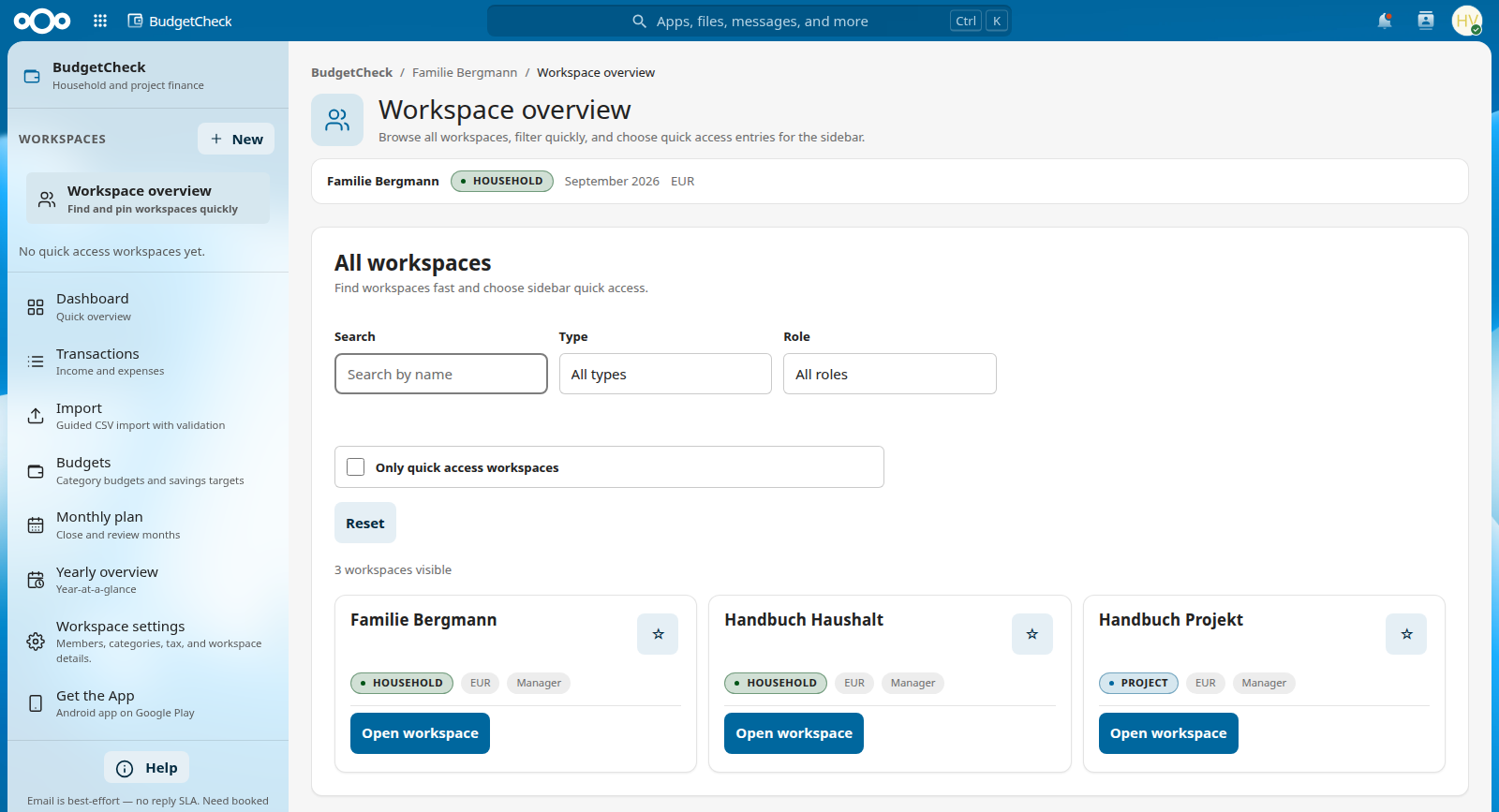
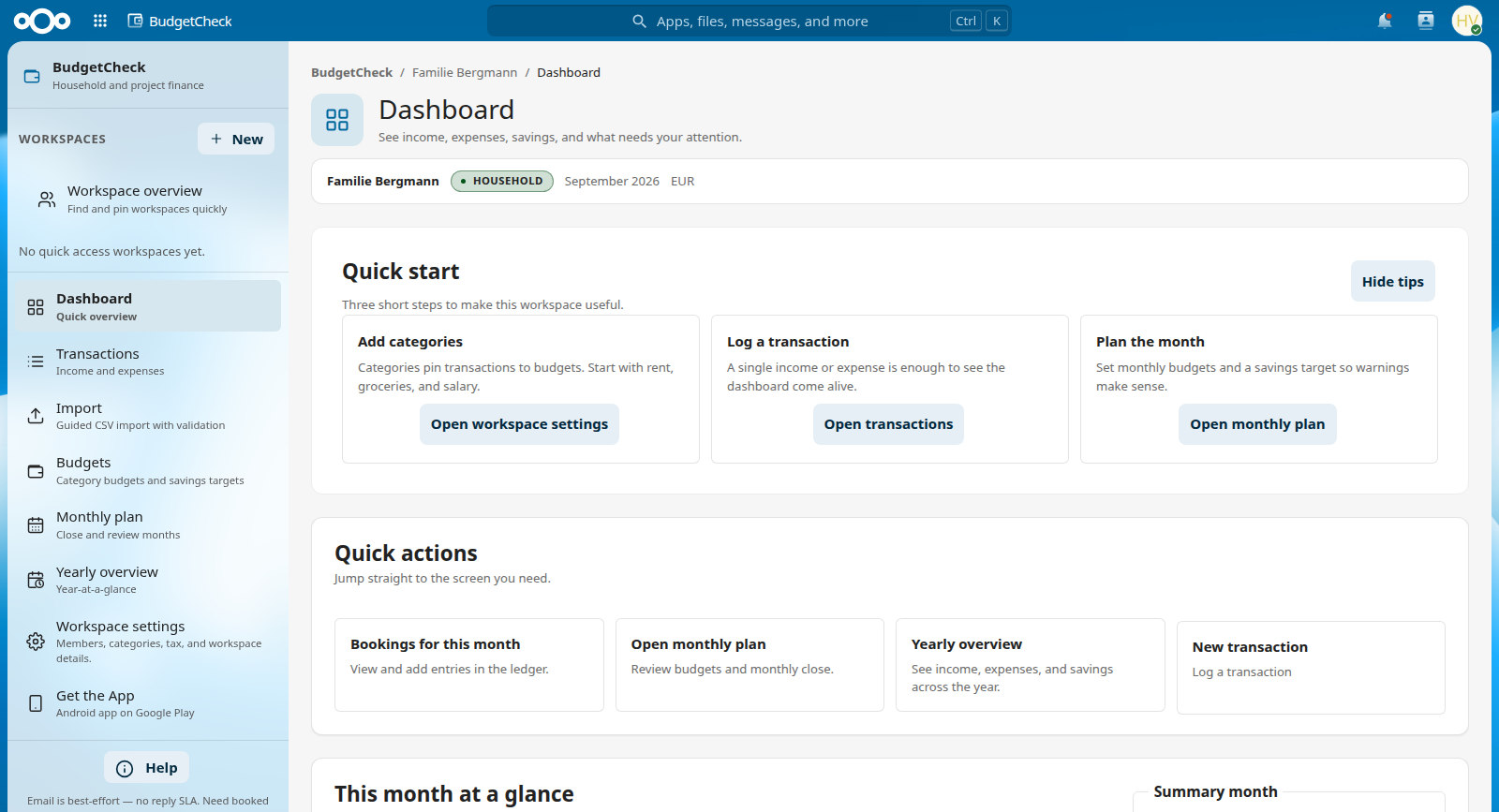
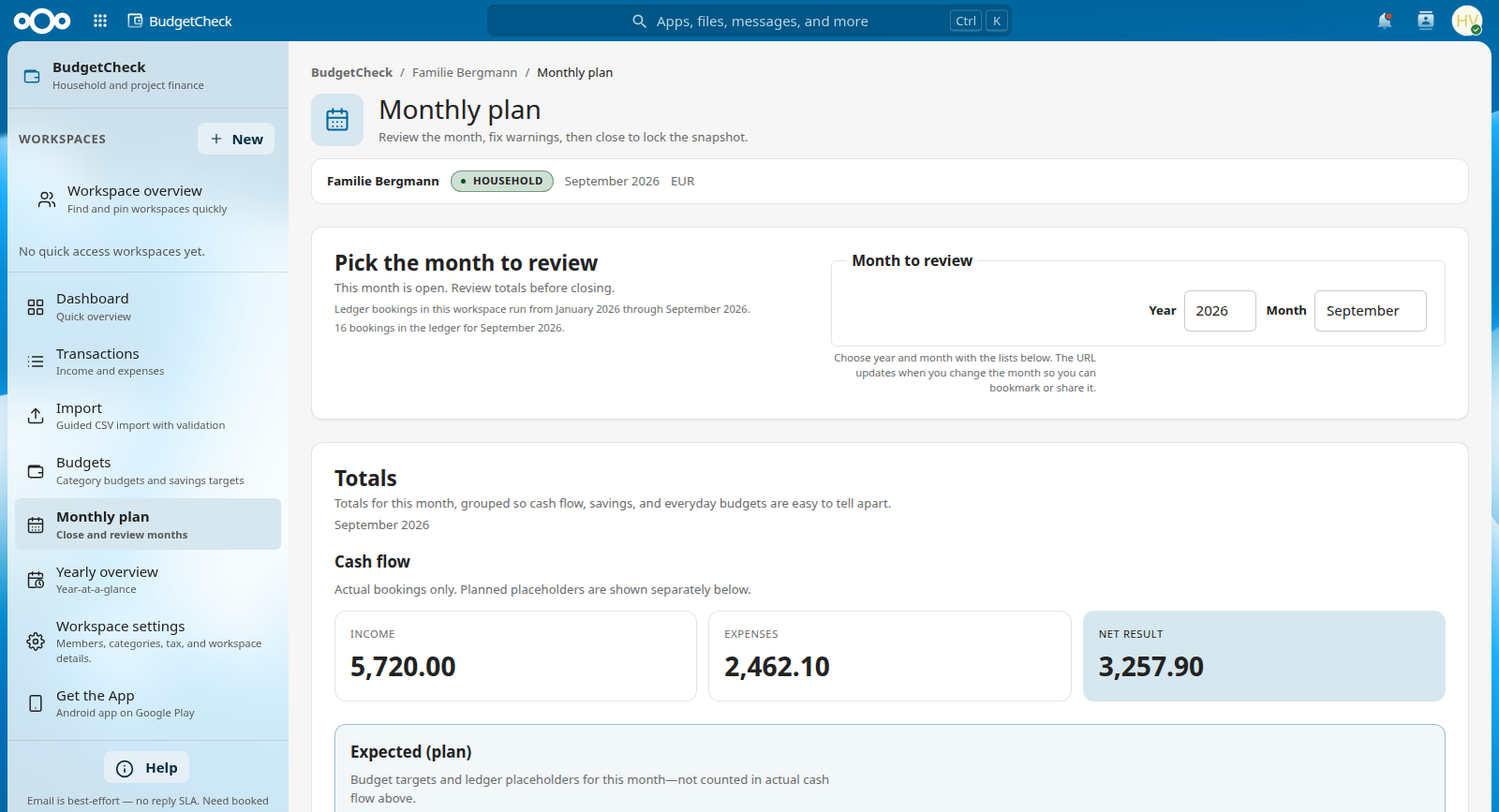
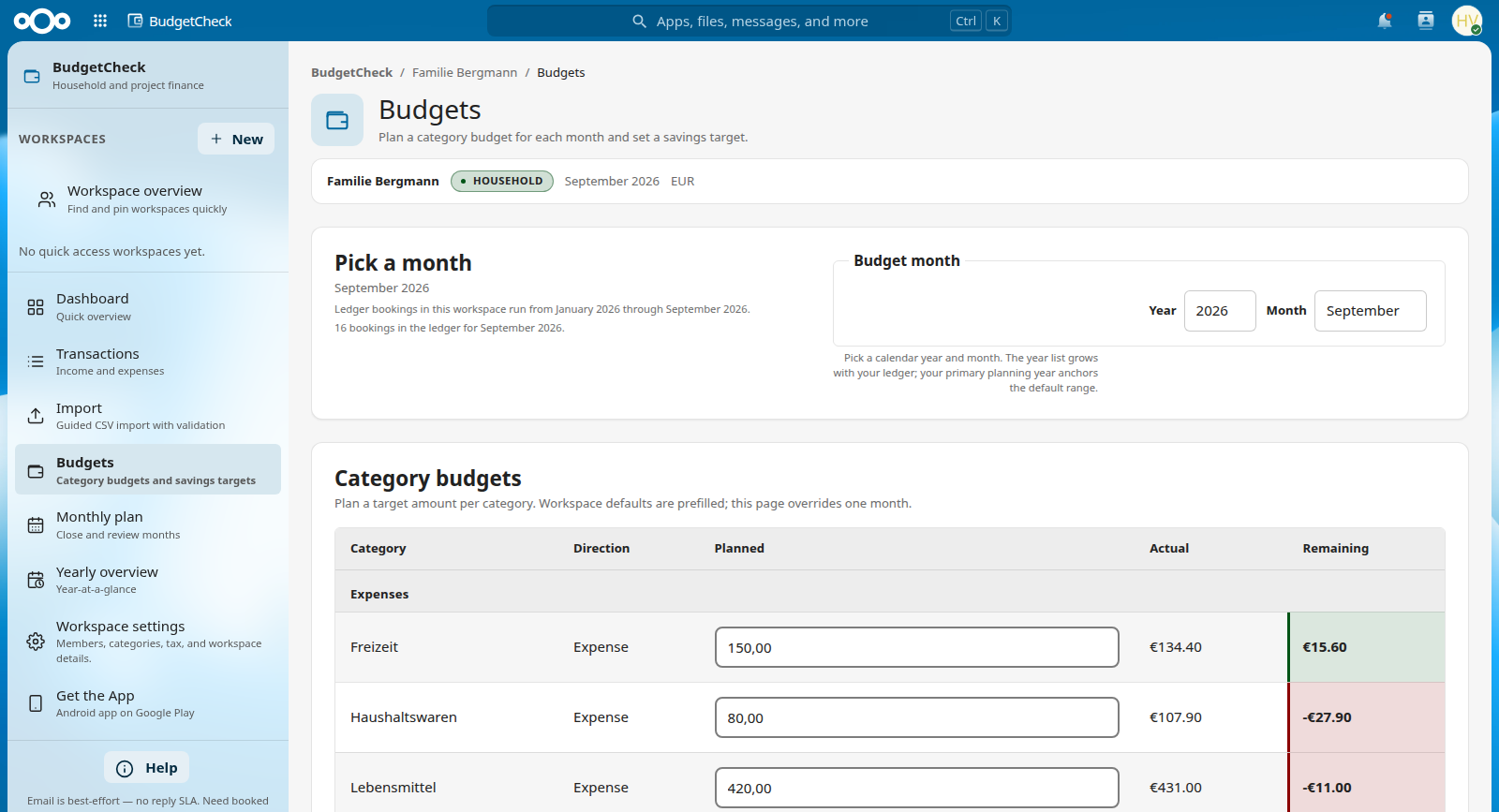
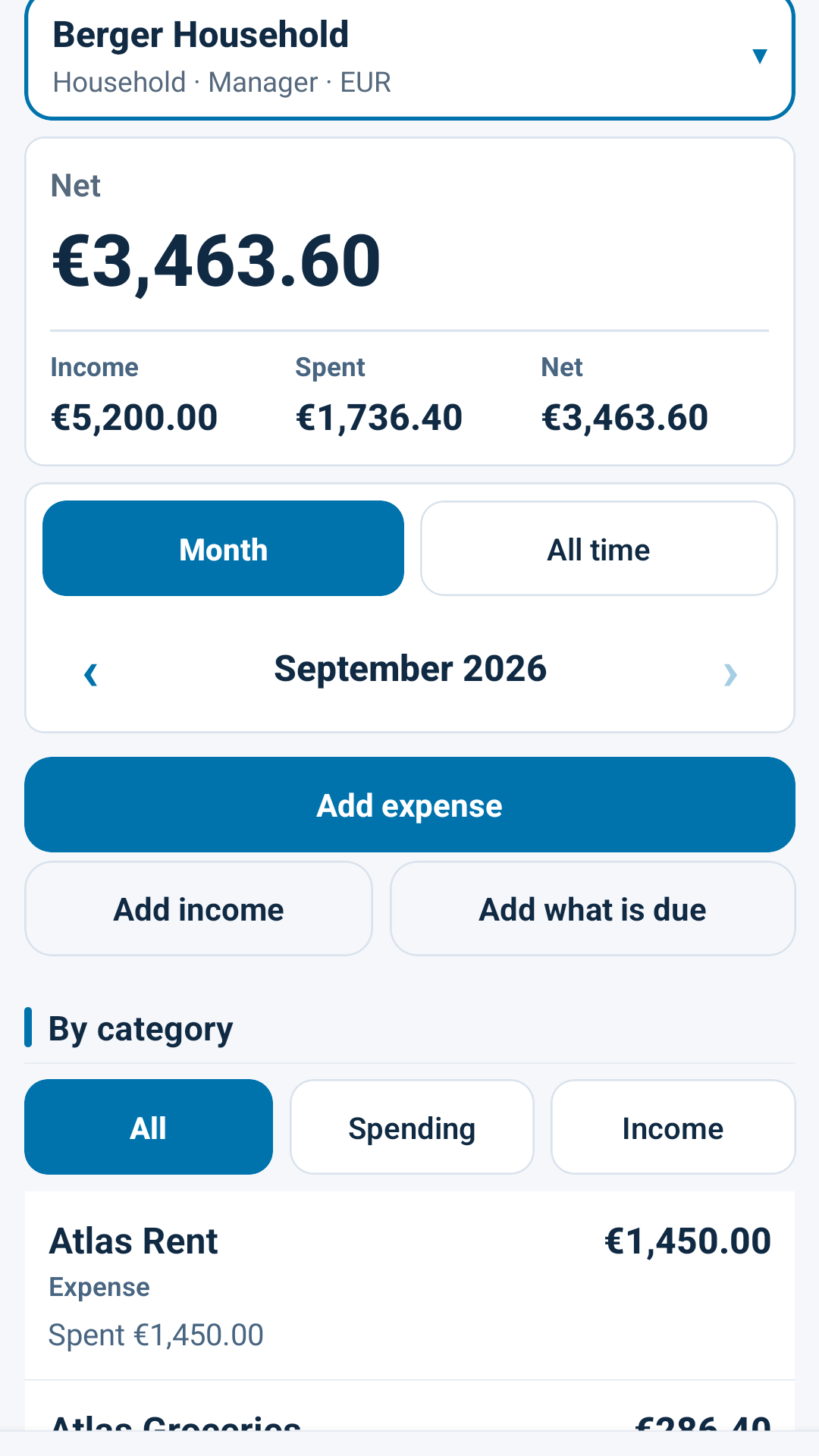
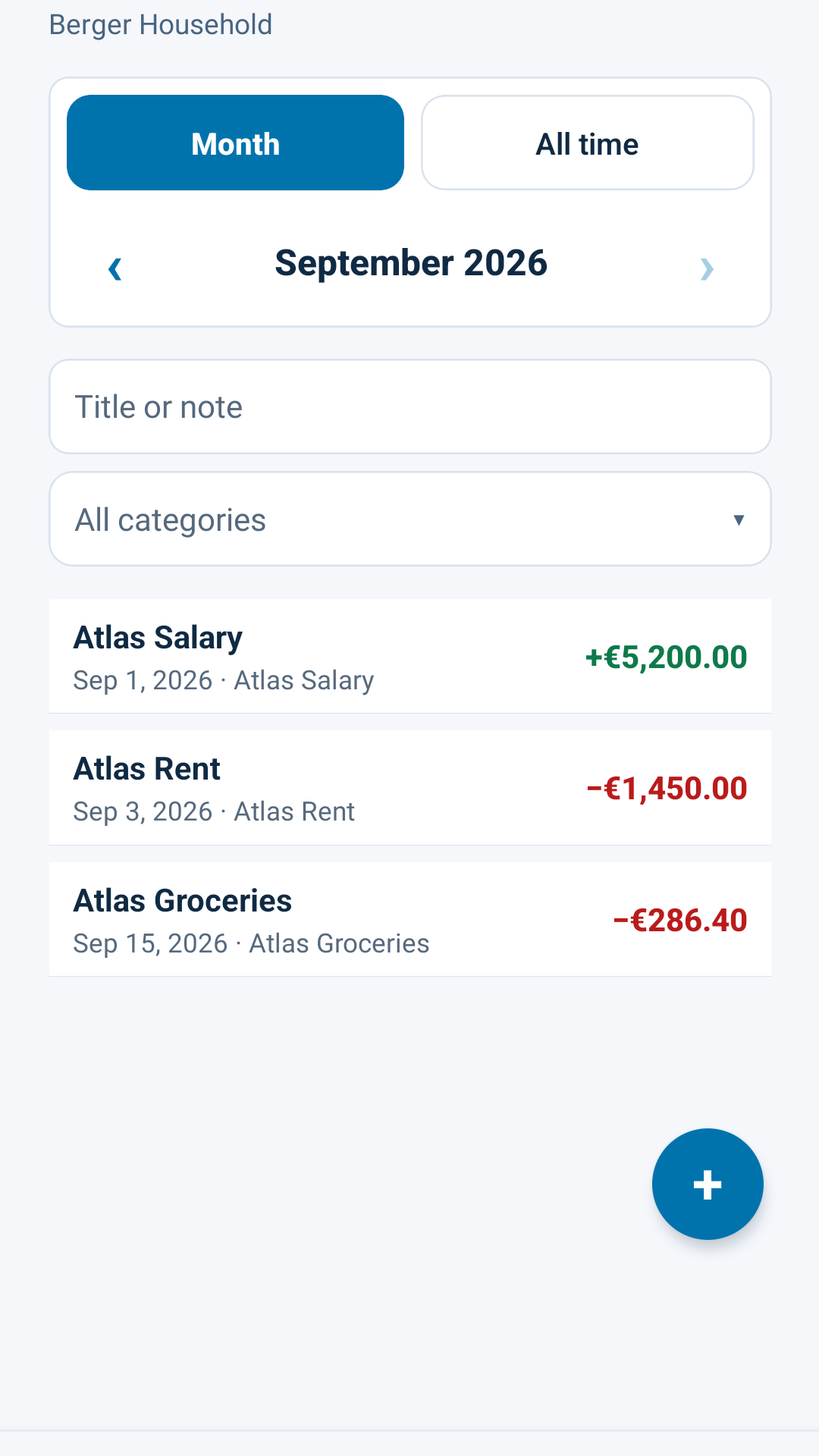
BudgetCheck Mobile connects to the open-source BudgetCheck app on your Nextcloud. Log income and expenses on your phone; totals stay on your server. See licence & pricing below.
Quick entry from your phone, home glance (available after savings or spend vs cap), recent transactions, optional offline queue when your server supports it, and optional budget reminders. Sign in with Login Flow v2 – your main Nextcloud password is never stored in the app.
Phone captures from the companion app. Tap to enlarge.
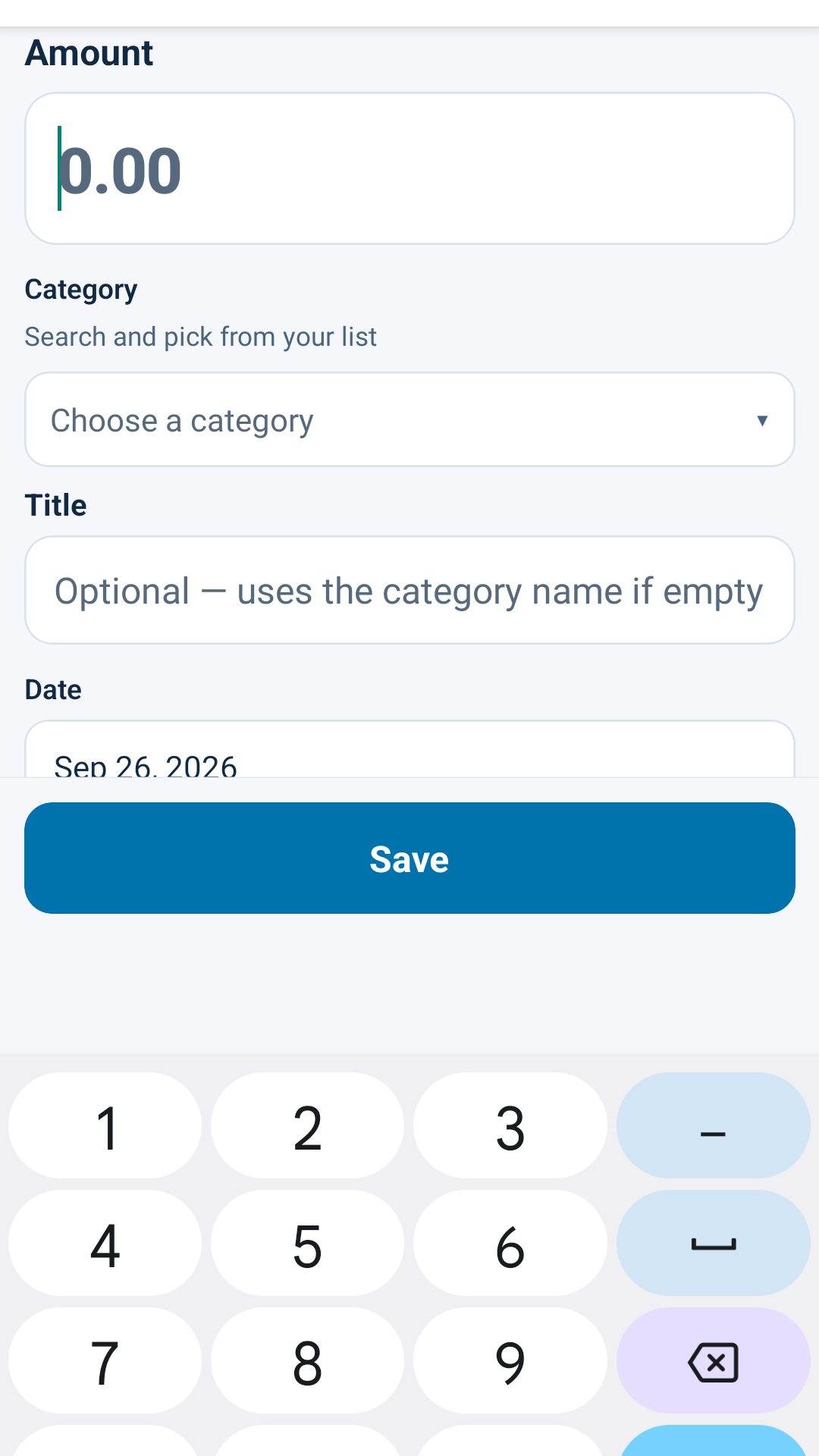
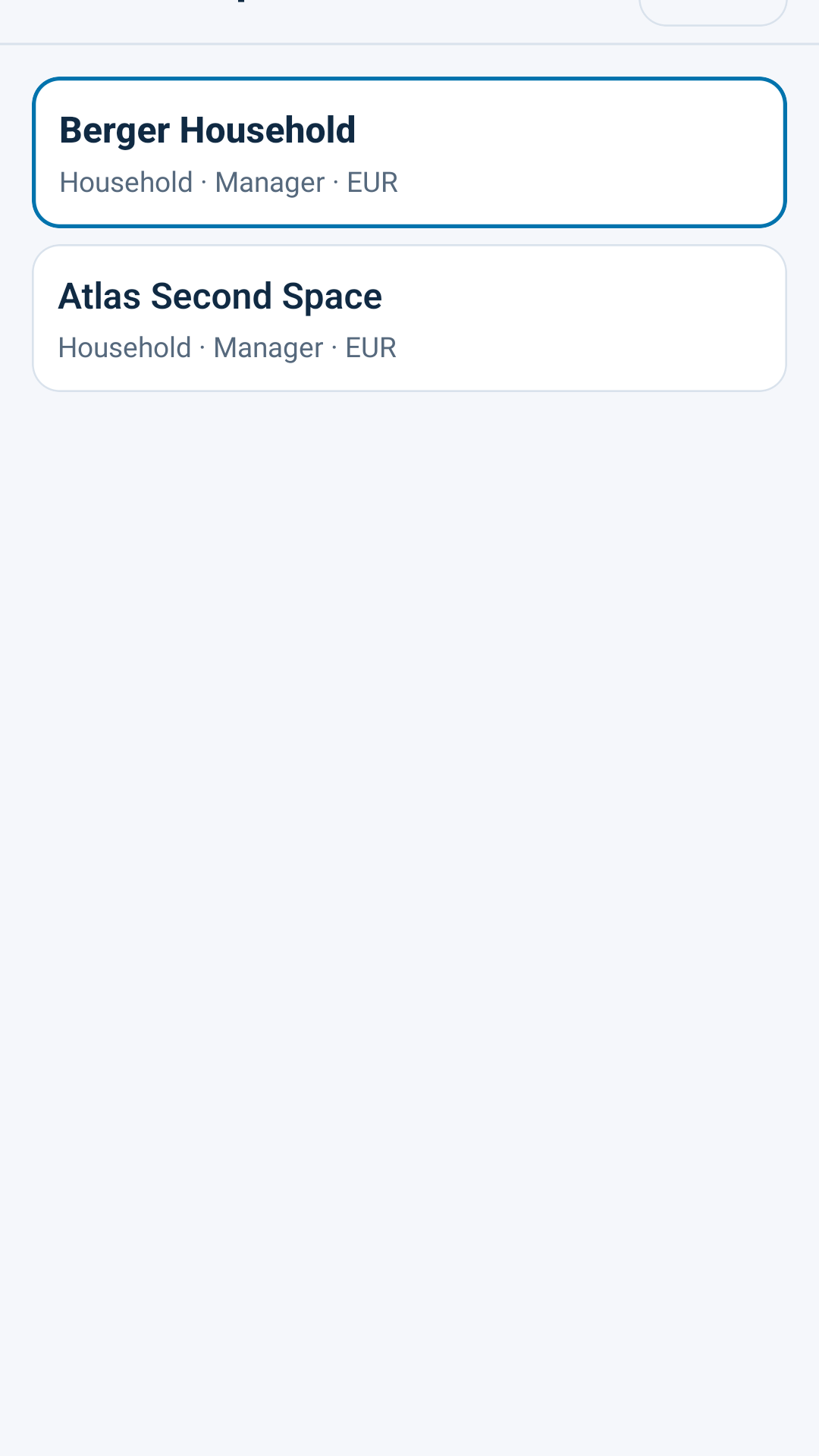
The BudgetCheck web app in Nextcloud is free under AGPL. The official Android companion is a one-time purchase in Google Play – not sold via this site’s order form.
Web app
€0 free forever · AGPL-3.0-or-later
Household and project workspaces, monthly close, savings targets, optional VAT mode – no licence key.
Mobile app
about €2.49 one-time · Google Play · Germany incl. VAT
Paid once via Google Play. The store price varies by country and currency – check the listing for your region.
Buy and install the mobile app only through Google Play. The price shown there for your account and country is authoritative; the figure above is an example for Germany (incl. VAT). No bank sync, no OCR, no iOS in v1.
No bank sync in the published product. Budgeting runs self-hosted inside Nextcloud; see the repository for current capabilities.
The Nextcloud web app is AGPL-3.0-or-later and free. The official Android companion is a one-time purchase via Google Play; the store price varies by country and currency (example Germany: about €2.49 including VAT). Check the Play listing for your region – see licensing.
Server web app: AGPL-3.0-or-later. Official Android app: proprietary, sold via Google Play.
Server-side in your Nextcloud app layer as described in the product documentation – not on third-party SaaS.
BudgetCheck is published in the official Nextcloud App Store and on GitHub.
git clone https://github.com/aSoftwareByDesignRepository/\
nextcloud-budgetcheck.git \
  /path/to/nextcloud/apps/budgetcheck
cd /path/to/nextcloud
php occ app:enable budgetcheckStep-by-step guide for administrators and end users – free download.
These apps are maintained in public. If BudgetCheck helps your organisation, you can fund ongoing work through GitHub Sponsors. Want a feature shipped sooner or tailored to your setup? Contact us – we are happy to discuss sponsored feature development. Product feedback – bugs, rough edges, missing pieces – is always welcome via GitHub Issues or info@software-by-design.de; it directly shapes what we build next.
Companion licences fund the maintenance, updates, and support behind the free web apps.